/ 01Overview
What thisactually involves.
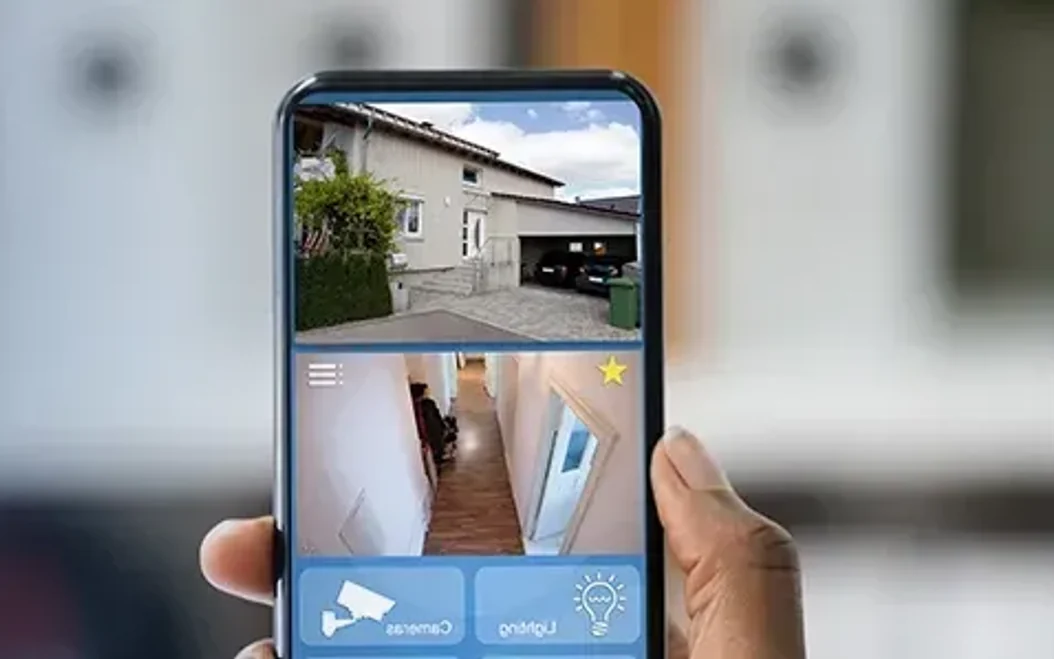
Remote access is the feature clients use most and the one most often left insecure. We configure it with changed default credentials, encrypted P2P or VPN connections, and per-user accounts so a departing employee can be removed without changing everyone's password.
/ 02Do you need this?
Signs it's time to act
- You run more than one site or travel often
- Checking footage means physically visiting the recorder
- Everyone shares one password to the camera system
- You want to be told about motion, not go looking for it
/ 03Capabilities
- 01Encrypted P2P and VPN remote viewing
- 02iOS, Android and desktop clients
- 03Per-user accounts with view restrictions
- 04Push alerts on motion and tamper events
- 05Multi-site dashboards in one app
- 06Bandwidth-tuned sub-stream viewing
/ 04What's included
- Default credential hardening
- Port and firewall configuration
- App setup on nominated devices
- Alert rule tuning to cut false pushes
- Written access credentials handover
/ 05Budgeting
What moves the price
We quote after a survey rather than over the phone, because these are the things that actually change the number — and none of them are visible from a phone call.
- 01Number of sites and cameras being brought together
- 02How many user accounts and permission levels are needed
- 03P2P versus a VPN connection to your network
- 04Available upload bandwidth and sub-stream tuning
/ 06Ideal for
Multi-branch retailBusiness ownersProperty managersFrequent travellers
/ 07Common questions
It is when set up properly, and dangerously insecure when it is not. We change default credentials, use encrypted connections, and create per-user accounts so access can be revoked individually.
Yes. Apps pull a lower-bandwidth sub-stream for live viewing and only fetch full resolution when you play back a specific clip.
Yes. Permissions are set per account, so a branch manager sees their branch and nothing else.
/ 08Related